How To Use Endomondo

How To Use Endomondo

In this article we are going to cover the basic functionality of Endomondo. To this end we have divided the basics into 4 different sections that take a user from downloading the app all the way through their first run. As you will find out, using Endomondo is a breeze and really fun too. They have made it as simple and as straight forward as they can so that as many people who want to use it can. All walkthroughs below show how to download and use Endomondo on an Android OS (in this case a Galaxy Nexus running ICS (Ice Cream Sandwich) 4.0.2).

Downloading App | Configuring App | Using App | Editing Run Data

Downloading the Endmondo App

Downloading the app can either be done through the Android Market app on your phone or through the Market website (https://market.android.com/).
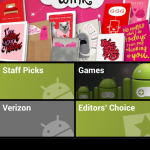
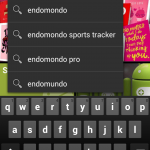
  1. Open Market on your phone
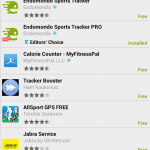
  2. Search for “Endomondo”
  3. Find Endomondo (Free) or Endomondo Pro ($0.99)
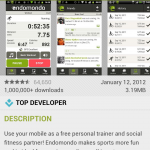
  4. Click on the “Download” button
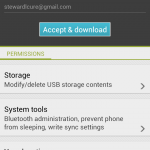
  5. Click on the “Accept & download” button
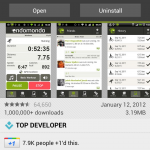
  6. Once the app has downloaded you can click on the “Open” button
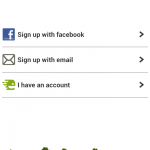
  7. Endomondo will ask you to sign in. We chose the Facebook option because its easy.
  8. You will be prompted to accept connecting Facebook with Endomondo.
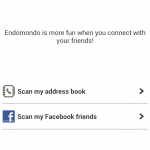
  9. Once the authorization has occurred, you can add friends to Endomondo directly from Facebook. We skipped this step.
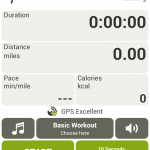
  10. After you’re done you will be taken to the next screen where you can begin tracking your very first run.

Configuring Endmondo
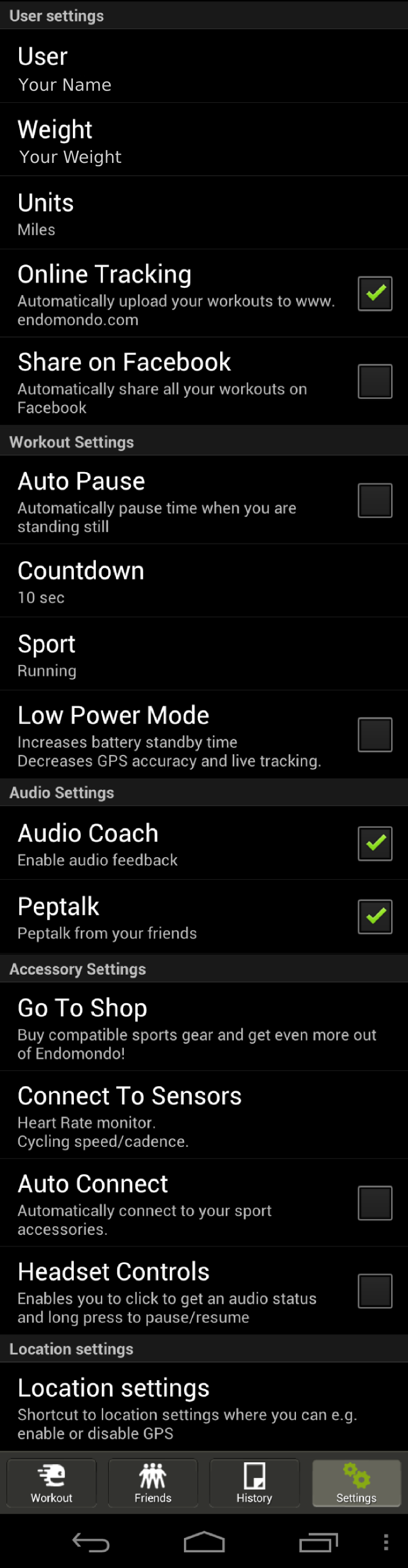
Endmonodo Comprehensive Settings

Endomondo is fairly simple and only has a few settings you want to make sure that you are going to be using. The first that I recommend using is the Online Tracking option which will automatically upload your workouts to the Endomondo website. This makes things simple for you and lets you keep all your runs in a single place, even if you use different phones throughout the course of your use of Endomondo.

I also recommend enabling both of the audio settings. Audio Coach will give you audio cues when you have run each mile and the pace at which you ran that mile (or km based upon user preferences). If you are running a goal run you will also get some info on how much longer you can expect to be running given the pace of your last mile (or km). Pep Talk is a cool feature that allows your friends to send you verbal message to you on your runs as they happen. While the pep talked is delivered in a robotic voice and spoken quickly, each message is personalized with who it is from. This is a really cool and especially helpful if you are using the app while doing a race. Friends and loved ones can give you an encouraging word at just the right moment to give you that mental edge.

Finally, at the bottom of the Settings screen they have a link to your phone’s location settings. I recommend selecting them all so that your phone has the best chance of getting a good location fix so that your GPS tracks look the most true to life.

Using the Endomondo on a Run
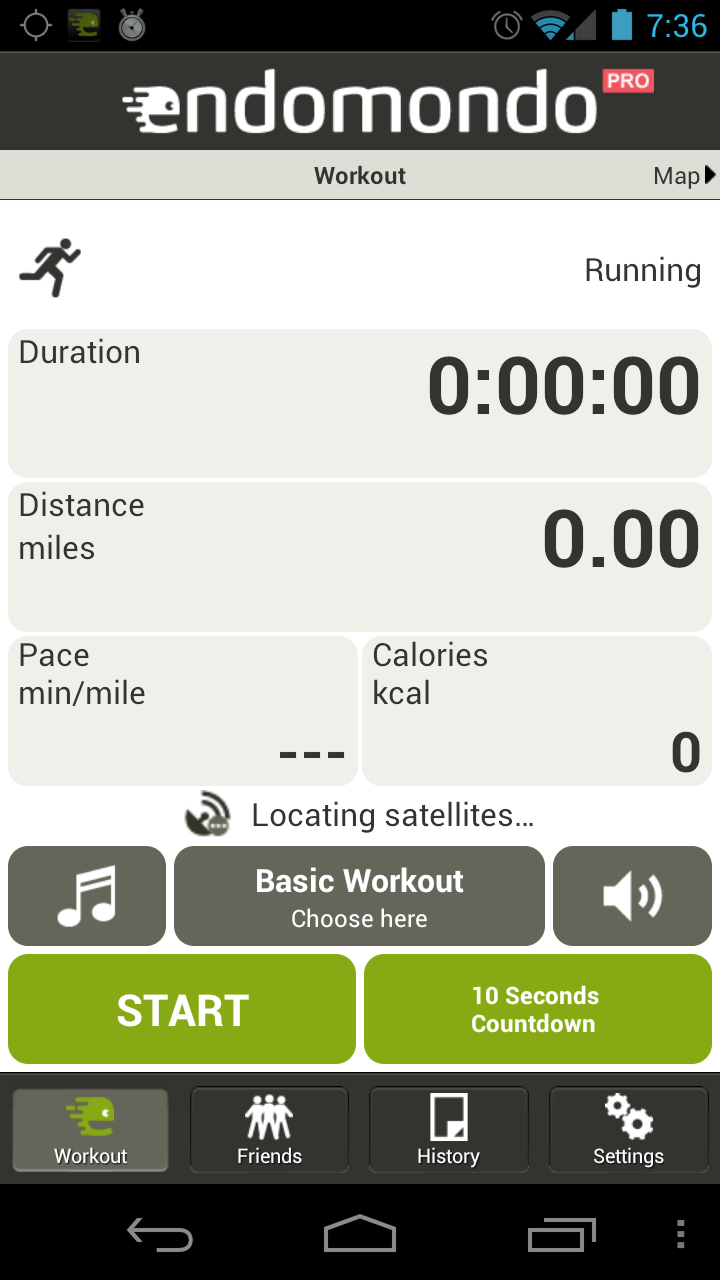
Endomondo is dead simple to use while on a run. To get started, simply click on the big green Start button at the bottom left of the app screen. Or, as I prefer to do, I click on the 10 second countdown button on the bottom right. The 10 second countdown button ends with an audible countdown and then the electronic encouragement to, “Free your endorphins.” Its a little corny, but I like it.

If you need to pause the run, just click the pause button that replaces the green pause button on the bottom left. To stop the run click the red stop button on the bottom right.

Easy as pie.

Editing And Sharing Runs

Editing
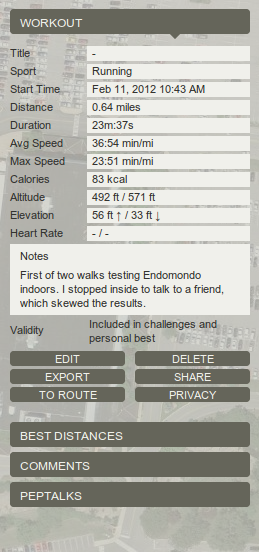
Endomondo Edit Workouts

Endomondo, like all other GPS tracking apps, is not perfect. But what it lacks in perfect tracking technology it makes up for with editing. Once a run is uploaded to the Endomondo website, which is normally done automatically, you simply go to the website and log in. All your workouts are available for you to see by clicking on the “Workout” button at the top of the page. This is going to bring you to calendar that displays all your workouts for the current month.

To begin editing, click on the workout that you need to fix and it will pull up that workout in the map below the calendar. On the right hand side of the screen next to the map of your workout you will see the image to the left for your particular workout. Not all of the field can be edited, but most can.

You can edit:

  • Workout Title
  • Start Time
  • Distance
  • Duration
  • Elevation
  • Heart Rate
  • Note Field

All editing is saved once you press the save button and there is no back button to revert changes you made back to the original info.

Sharing

Endomondo also lets you share runs on other platforms. Users can post a run to Facebook (or a host of other online communities), send a link to a friend in an email, chat message, or forum link, or post their workout in an iframe on their own website or blog. There are over 320 different ways to share your run on Endomondo – a number that is nothing to sniff at. If Endomondo gets anything right it is the sharing and social aspect of working out.

Endomondo also give you access to the raw data from the app. You can download workouts in .tcx or as a .gpx file. This will allow you to export the data into other fitness or GPS tracking software.

This is part of our in-depth look at Endomondo. You can check out the summary of the running tests we performed or read each of results in more detail (Track Tests | Suburban Tests | Nature Tests | Indoor Tests).


Endomondo {Sport Tracking App Review}

Looking for a free and social sports tracking app with real-time GPS tracking capabilities? Yes? Endomondo is for you. This app combines powerful and accurate GPS tracking technology with easy-to-use social features. The app works on a huge assortment of cell phones (Android, iPhone, Windows Phone, Nokia) and integrates with other fitness equipment like heart rate monitors and cycling cadence computers. A full featured website and thriving community plugs users in immediately to friends already using the app and makes it a breeze to find more. If you are looking to get off your derriere and onto the road then Endomondo is certainly worth a shot.

Recommendation: Get Endomondo and free your endorphins.

Summary of Results
For those short on time here is a brief summary of our results. Endomondo was generally very accurate for normal use. Errors in measurement ranged from small (0-5%) on track and suburban running to very large (90%) in indoor tests. Generally speaking, the more exposed to open sky the run, the more accurate the results. Endomondo also did better on there-and-back style runs than on loops where it tended to record workouts as longer or shorter depending on your position on the loop. Using the app to record changes in elevation was essentially a joke, but this surely had more to do with the hardware and software on the phone than with Endomondo itself.

For more detail on our tests and the results, check out the links below or use the navigation bar at the bottom of the content on each page of this review.

Endomondo Logo

Table of Contents

A Word On Our Review Method
We got our base line distances by using published distances from the courses we ran or from measuring the run using Google Maps. In instances where there we neither published course distances or Google Maps to rely on we simply used our best judgment to determine if the route looked like a good approximation of the one we actually took, comparing it to trail maps when available. We understand that neither of these is terribly scientific, but most people are not concerned with getting the accuracy of a sport tracking GPS down to the exact meter. Close enough is often good enough.

In the tests we used a Galaxy Nexus or a Droid X on the Verizon cell phone network and the phone was inside a Scosche armband, on top of a stroller, or in my hand on the runs.

Navigation

When Is Finding a Lost Cell Phone Beyond Hope?

This post is brought to you by real life, my life. Its a story about what happens when a blogger who writes about GPS tracking ends up losing his phone, and how sometimes there is nothing you can do about finding it.

Recently, my family and I were vacationing in America’s Finest City. We were having a great time enjoying the 70 degree weather, the sunny skies, wonderful food, and sandy beaches. The weather was fantastic and a nice break from the frigid January we would have had to spend in the Midwest where we live. We went outside all the time and took several trips to the beach to enjoy the surf, smell the salty air, skip rocks, and get sand everywhere.

Beach Fun 1

We really had a grand ole time.

Beach Fun 2

Beach Fun 3

Then it came time to get back to the car, get the kids clean, and get home. It was clearly nap time. We had to walk a good bit to get back to the car and upon arrival we quickly set about getting the kids ready for departure. While my wife changed one I was cleaning the other – a task made difficult by tiredness and sand’s ability to stick to anything. Frustrated and done it was finally time to get the kids in the car. As I was taking our youngest to his seat I took out my phone to see if I had any messages from friends who I would hang out with later that night. I had none and as I was transferring our child to his car seat I placed my phone on the roof of the car. Big mistake.

Our other child distracted me by wanting me to get him in buckled in too so I went over to his side of the car, got him in, and then got in the car myself. My phone, a Droid X, was still sitting on the top of the car.

We got in the car, popped a U-turn and started heading home. 10 minutes later as the car accelerates up the on ramp to get on the free way we hear a thud and look around the inside of the car to see what had happened. We think its just my son throwing one of his sticks against the side of the car. We continue driving and I think little of the thud and what it could mean.

It wasn’t until we get home, get inside, and lay the napping kids down that I realize I don’t have my phone on me. I panic, but stay calm because I know I have Lookout Mobile Security downloaded to my phone.

I get on the laptop, log into my account, and do a phone locate through their website. It was a long three minutes waiting for the app to tell me where my phone is and at the end of three minutes I still had nothing. So I did it again, hoping that there was just a minor glitch and the phone would figure it out. It didn’t.

Then I downloaded Plan B to my phone, not so much for the location of the phone but to see if it was on and had a network connection. In a lot of our tests in the review of Plan B the app downloaded within a minute to our phone and our GMail account received a message from Lookout telling us it would have a position on our phone soon. This didn’t happen this time.

I found myself in the worst case scenario for loosing your cell phone. My phone was either off, out of batteries, destroyed, or taken over by someone else who knew what to do as soon as they found my phone. At this point there was no technological solution to my problem. All I could do was go back, retrace my steps, and see if I could find my phone. GPS tracking would be of no help to me.

So I got in the car, drove the 20 minutes back to where we parked and surveyed the scene. After looking for a few minutes I faintly remember placing the phone on the roof and then I hear it, the thud as we accelerated onto the freeway. Its at that moment that I realize my phone is not stolen, its not off, and its not out of batteries. My phone is smashed into a confetti of plastic and silicon.

Here are some of my takeaways from this experience:

  1. Sometimes being prepared doesn’t matter. I was certainly prepared in the eventuality that my cell phone might become lost or stolen. I had the necessary apps installed and had done my homework on how to use them. But there are some things that you just can’t control.
  2. GPS tracking apps have their limits. This is really just a restatement of my first takeaway, but needs to be said. Tracking apps ARE NOT the solution for finding every lost phone. Good ole fashioned skills such as retracing your steps and remembering cannot be bypassed.
  3. Don’t be an idiot. I was an idiot and did not properly secure my phone. I should have put it back into my pocket. Or better yet, gotten a magnetic case so it would have stuck to my car. 🙂

Plan B {GPS Tracker App Review}

Plan B is a cell phone recovery app that is designed to be used after your mobile has already been lost. It is positioned as an “app of last resort” and as such it is going to be used by people who didn’t realize that there are apps out there that can help you track down your phone in case it gets lost or stolen. As such, it is going to save hundreds of thousands of phones that have been separated from their owners. We put a lot of important, personal information on our phones that we want to keep private and an app like Plan B is exactly what thousands of people need to get reunited with these powerful (and easily lost) bits of technology. Plan B is available exclusively on Android phones, is completely free, and requires Android 2. 0 and up.

Recommendation: Yes! Use Plan B if your Android cell is already lost or stolen

Plan B Logo

Review Table of Contents

A Note On Readers Of This Review
We tried our best to simulate real world situations when testing Plan B. Due to the nature of the vast variety of real life situations people might face when losing their cell phone we were only able to recreate a handful of them. User experiences may vary given the exact circumstances that your phone is in when lost.

Also, different hardware may respond differently. In our tests we used a Droid X. Your particular phone may have different hardware than the Droid X and therefore preform differently. Our phone was also on the Verizon network. Mobiles on other networks may perform differently.

This review is simply for educational purposes only and is meant to allow readers to make informed decisions about what apps like this can do. Please add your own experiences with the app to the comments so everyone can get a better feel for how Plan B works.

Navigation